Content Generation
Generate product and collection descriptions inside Shopify admin. Review the output, then apply it when you’re happy.
What this feature is
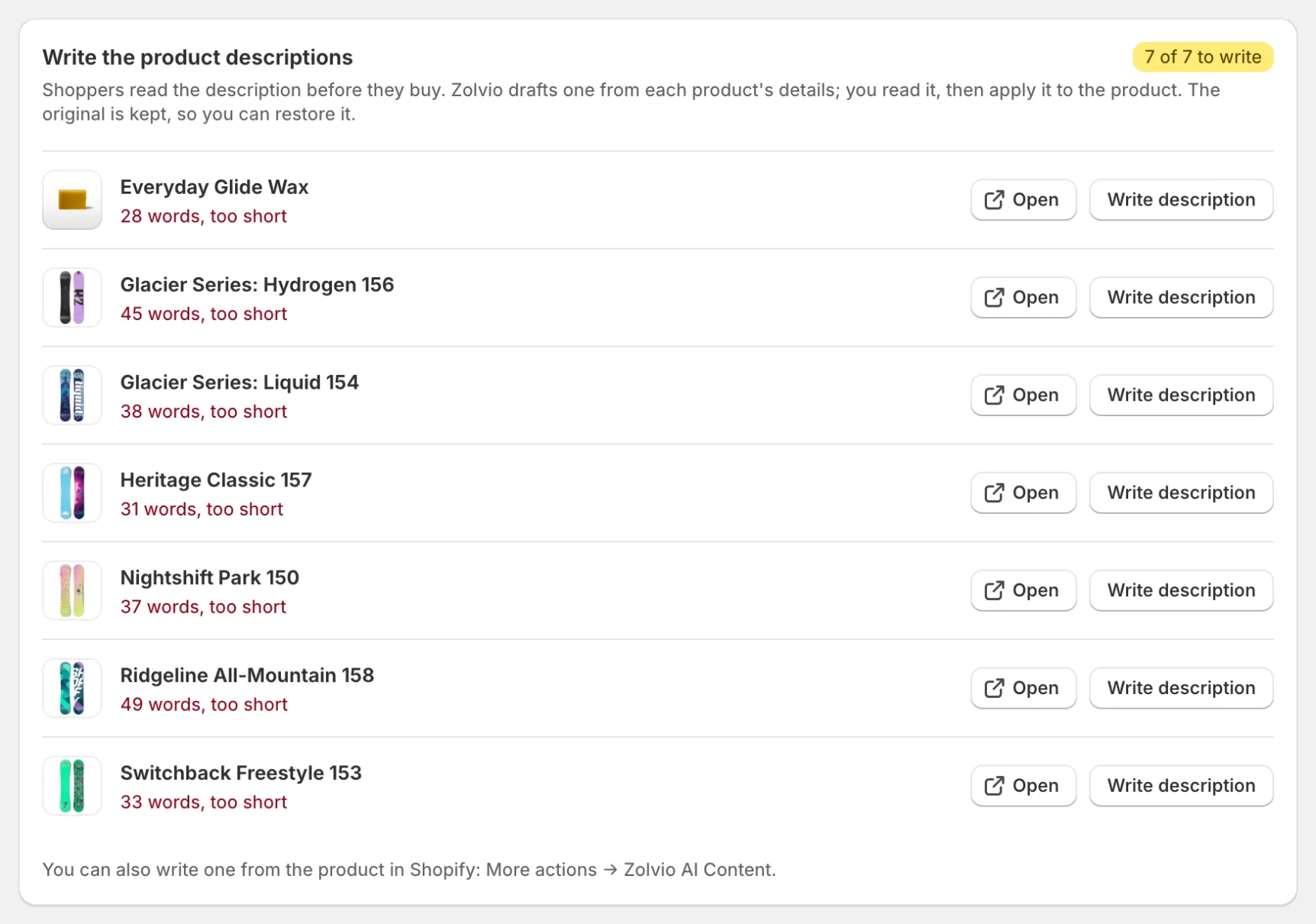
Content generation is a Shopify Admin UI extension. It runs in your Shopify admin and, when you click Apply Description, writes the content back to the product/collection using Shopify’s APIs. This is separate from Guided Fixes, which are instructions you follow yourself. When an audit flags products with missing descriptions, you can also write them one by one from the issue page (see Issues & Fixes).
Where to find it
- Open Shopify admin
- Go to Products (or Collections)
- Open an item
- Open More actions and choose Zolvio AI Content
Generate a product description
- Open a product in Shopify admin and choose Zolvio AI Content from More actions
- Add optional context, tick Also generate SEO meta description if you want one, and click Generate with AI
- Review the generated description (and meta description)
- Click Apply Description to update the product
Generate a collection description
- Open a collection in Shopify admin and choose Zolvio AI Content from More actions
- Click Generate with AI
- Review the output
- Click Apply Description to update the collection
What the AI uses (inputs)
- Product/collection title, type, vendor, and tags
- Variant titles (when meaningful)
- Your existing description (so the AI can improve instead of overwrite blindly)
- Optional “extra context” you type (e.g. tone, benefits to emphasize)
Privacy note
Avoid pasting customer PII (emails, phone numbers, order details) into the “extra context” field. Zolvio applies redaction safeguards, but you control what you input.
Limits and quotas
Content generation is an AI feature: it’s included on paid plans (not the Free plan) and limited by your plan’s AI credits. If you hit a limit, you’ll see an in-app message with the reason.
- See AI Usage & Controls for AI credits and how to pause AI for your store.
- See Billing & Plans for plan-level quotas and retention.