Audits: How It Works
A practical overview of what Zolvio scans and what gets produced.
1) Page Discovery & Crawling
- Finds key pages (home, collections, products, policy pages, etc.)
- Crawls up to your plan’s per-audit page limit
- Captures structured page context, and on paid plans with AI turned on, desktop and mobile screenshots of key pages
2) Detection & Classification
- Runs 50 built-in checks and assigns each finding a severity and category
- On paid plans, an AI agent reviews the screenshots; another sorts the findings
- Deduplicates and merges similar issues so your list stays actionable
- Generates plain-English explanations and fix guidance when available
What each check looks for, and what the AI screenshot review looks for, is listed in the issue library.
The Free plan’s one basic audit skips screenshots and AI and reports only the 22 problems Zolvio measures directly: broken images, placeholder text or images left on the store, return promises your refund policy doesn’t make, sale countdowns that aren’t a real deadline, slow page loads, oversized images, render-blocking scripts, large JavaScript files, too many third-party requests, more video than phones show, first-screen images that load late on phones, leftover code asking for files that no longer exist, pages that scroll sideways on phones, text too small to read on phones, images too large for phones, pinch-to-zoom turned off, broken links, links to empty collections, an error page at your www or bare domain, collections whose first row is half or more sold out, products without images and product data sent to Google that the page contradicts.
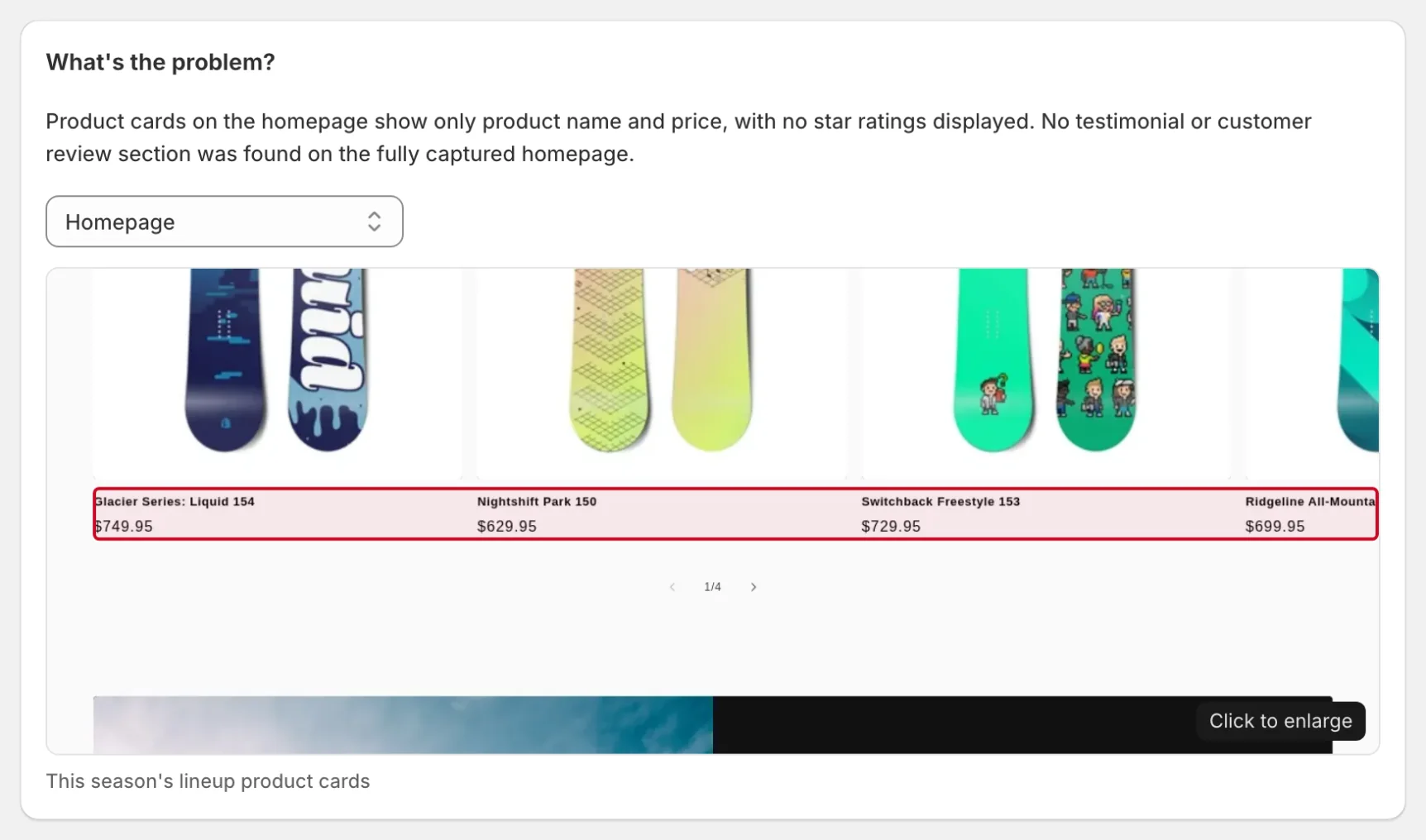
3) Output: Audits & Issues
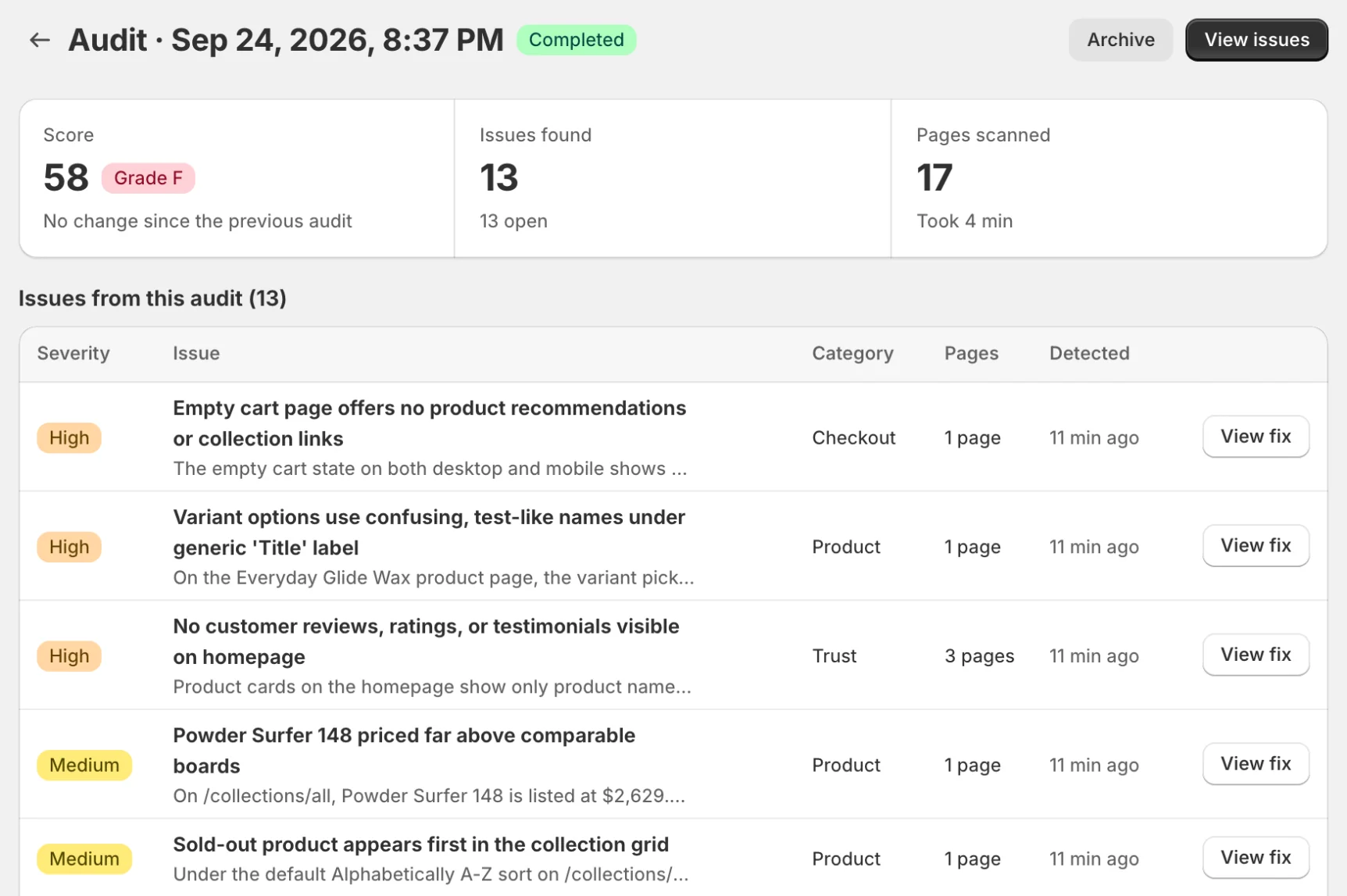
- Audit: summary snapshot (pages scanned, health score, total detected)
- Issues: actionable backlog with filters, explanations, and fix options
Next step: fix what matters