Audits: Troubleshooting
Common reasons audits fail, take too long, or show unexpected results.
An Audit Is Stuck “Queued” or “Running”
While an audit waits, its status shows how many audits are ahead and about when it starts. Zolvio watches for audits that stall:
- A queued audit that isn’t picked up within 10 minutes is queued again once, then marked failed (“The audit didn’t start”)
- An audit still queued after 3 hours, or running past its time limit, is marked failed
A failed audit doesn’t count against your plan, and on the Free plan a failed audit can be run again. Slow pages, heavy scripts or aggressive bot protection make audits take longer; run the audit again later if it keeps failing.
An Audit Failed
- Network errors or blocked page loads
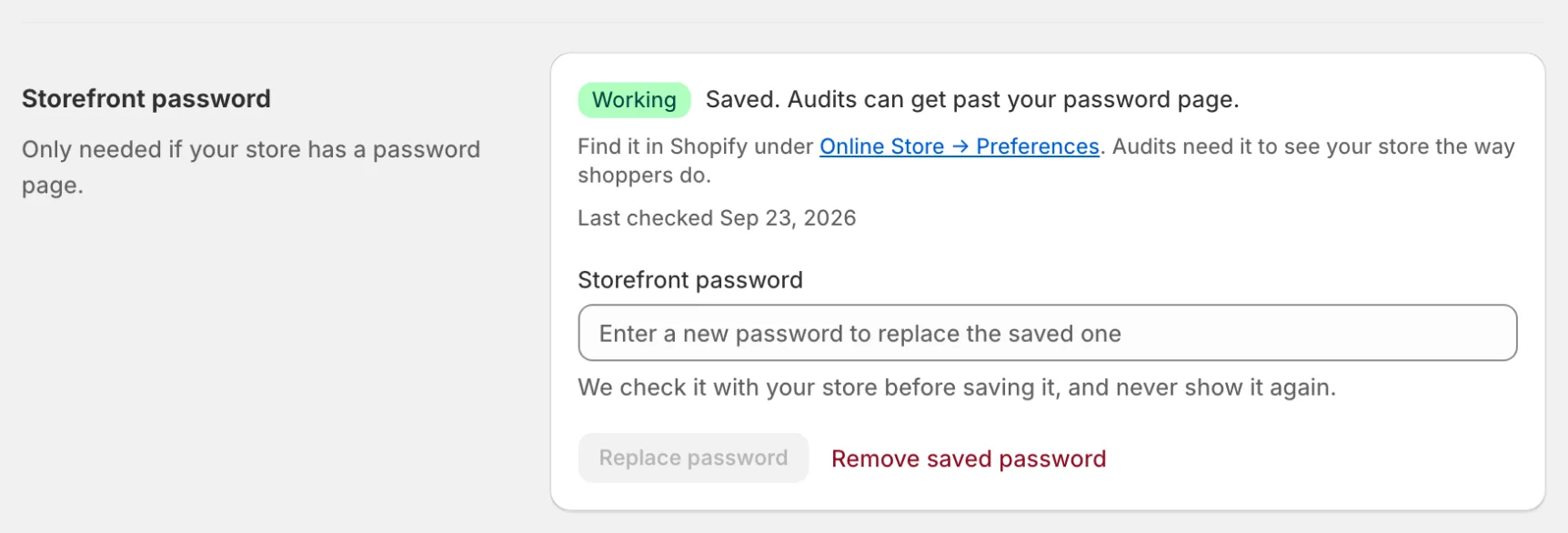
- Password-protected storefronts — the audit stops with “Your storefront is password-protected”. Save your storefront password under Settings → Storefront password and run the audit again. See Password-Protected Stores.
- Rate limits or quota limits
An Audit Found Only Basic Issues
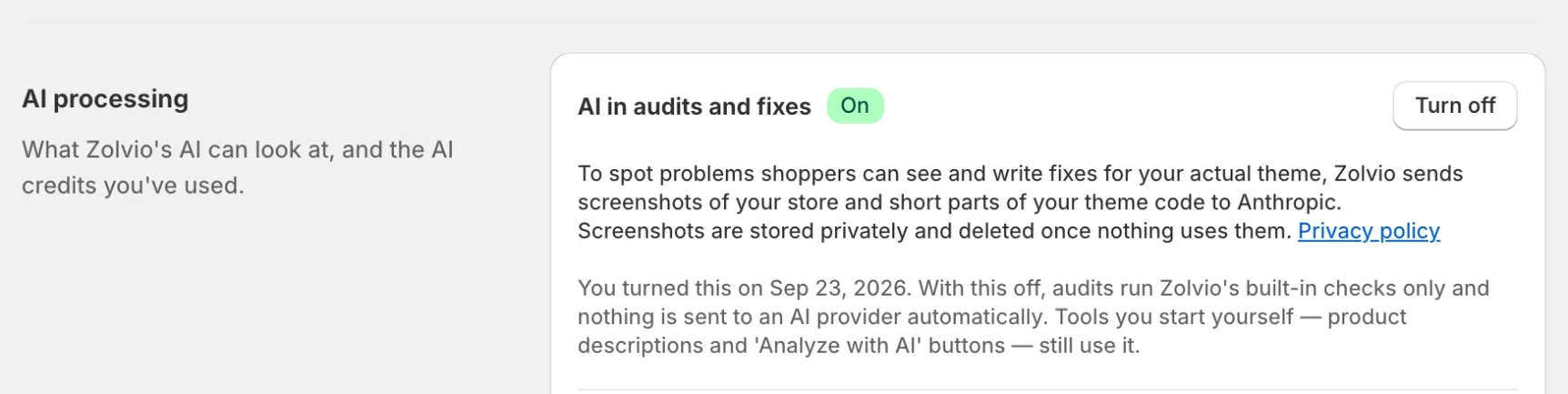
If AI in audits and fixes is off, audits still run but report only the 22 checks Zolvio measures directly (broken images, placeholder text or images left on the store, return promises your refund policy doesn’t make, sale countdowns that aren’t a real deadline, slow page loads, oversized images, render-blocking scripts, large JavaScript files, too many third-party requests, more video than phones show, first-screen images that load late on phones, leftover code asking for files that no longer exist, pages that scroll sideways on phones, text too small to read on phones, images too large for phones, pinch-to-zoom turned off, broken links, links to empty collections, an error page at your www or bare domain, collections whose first row is half or more sold out, products without images and product data sent to Google that the page contradicts)—no screenshots are reviewed and no store content is sent to an AI provider. Turn it on under Settings → AI processing (click Turn on) and run the audit again to get the other checks and screenshot-based visual findings with highlighted evidence. The Free plan doesn’t include AI, so its one basic audit reports those 22 measured checks.
Issues Look Incorrect
Some issue detection involves heuristics and AI classification. Use recordings and heatmaps to validate impact, and duplicate your theme in Shopify before you edit it so you have a restore point.
Where to go next