Issues & Fixes
Turn audit findings into a prioritized action list with evidence and guided fix steps.
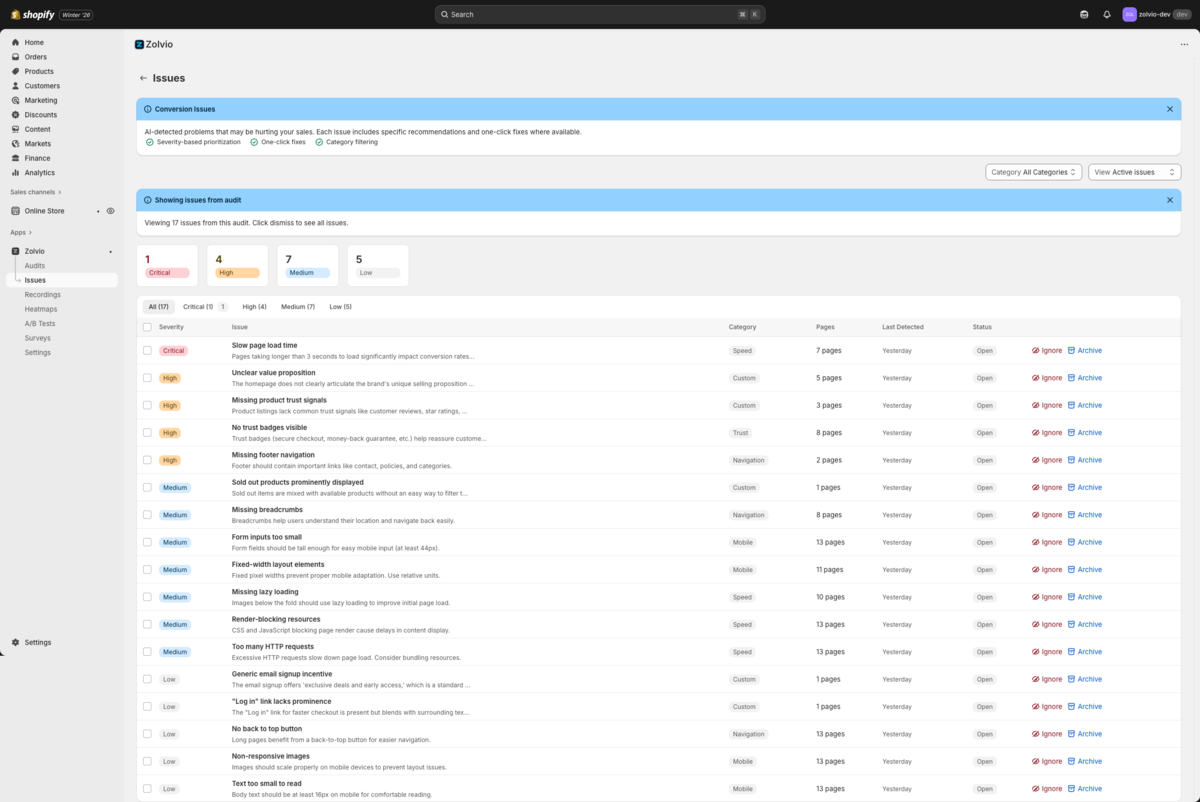
Screenshot placeholder
1200×720px •
/docs-images/issues/issue-detail-1200x720.pngAdd a file at this path to replace the placeholder.
Issue Workflow
- Run an audit to generate issues
- Open an issue to read the explanation and impact
- Follow the guided fix steps (Theme Editor / Settings / safe copy-paste snippets)
- Test on a duplicated theme using Shopify’s preview link
- Verify and mark the issue as fixed
Start from audits
If you haven’t run an audit yet, start at Audits.
What You Can Do With Issues
- Filter by severity/category and focus on the biggest wins first
- Ignore or archive issues you don’t want to act on
- Review detection history for recurring issues
- Use heatmaps and recordings to validate impact before changing your theme
What a Guided Fix Can Include
- Theme Editor changes: add/remove blocks, adjust settings, reorder sections
- Shopify settings: policies, payment badges, shipping/returns, notifications
- Safe snippets: copy/paste CSS/JS/Liquid into the right theme file (when applicable)
- Verification checks: confirm the change is present and the page still loads cleanly