Guided Fix Card
See the exact steps, files and code before you change your theme.
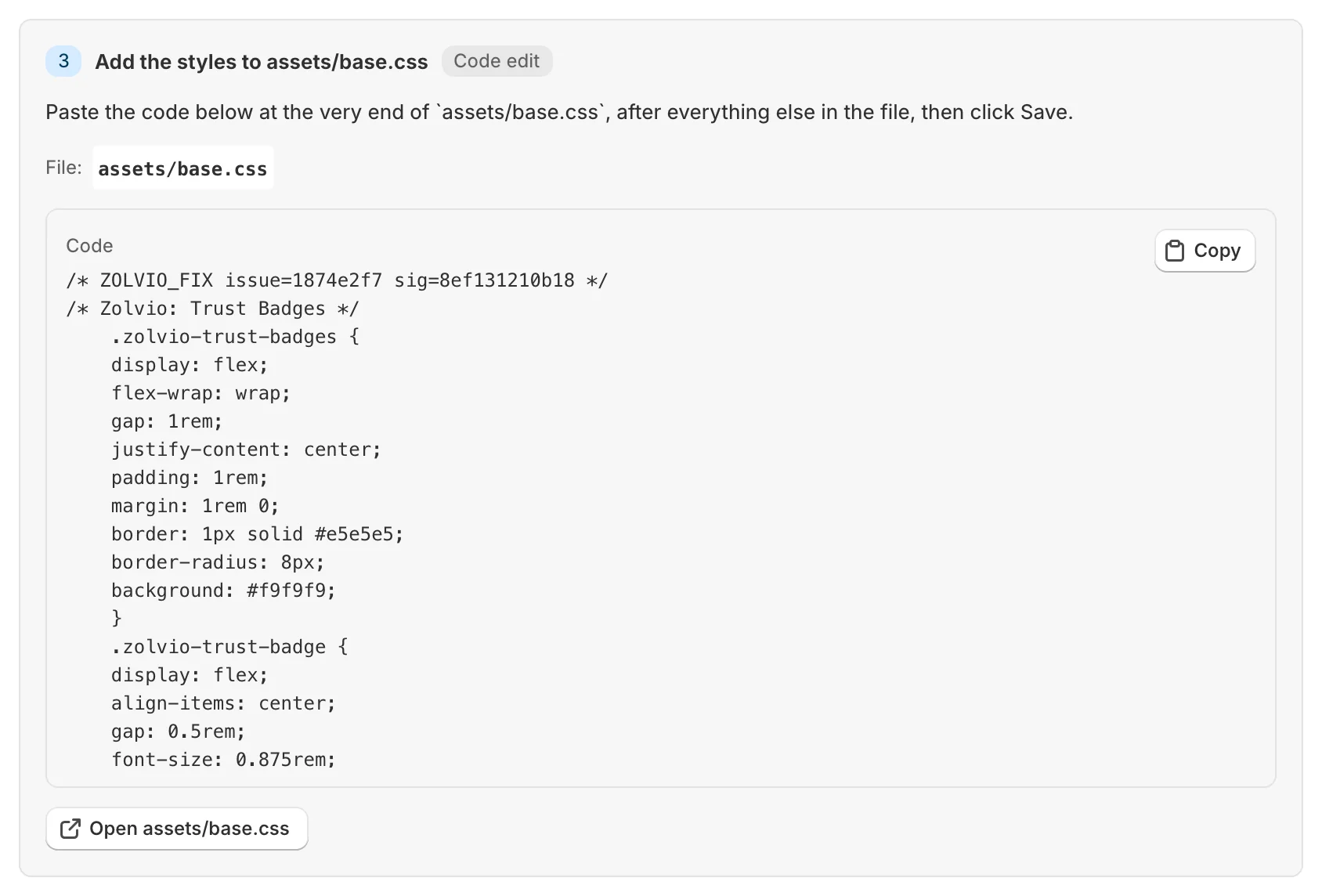
What the Guided Fix Card Includes
The card sits at the top of every issue page. If no fix has been written for your theme yet, click Generate fix at the top of the page: Zolvio reads the theme files the issue touches and writes the steps, usually in under a minute. Writing fixes uses AI, so it needs a paid plan with AI in audits and fixes turned on.
- Badges for the channel, expected impact, risk and the time it usually takes
- Numbered steps, each with the file to open, the exact line to find (with its own copy button), where to add the code, and the code itself
- Open <file> on a step takes you to that file in your live theme’s code editor; the card header has Open theme editor or Open code editor
- Verify fix at the top of the page once you’ve saved the change: Zolvio checks your published theme’s files for it and marks the issue fixed
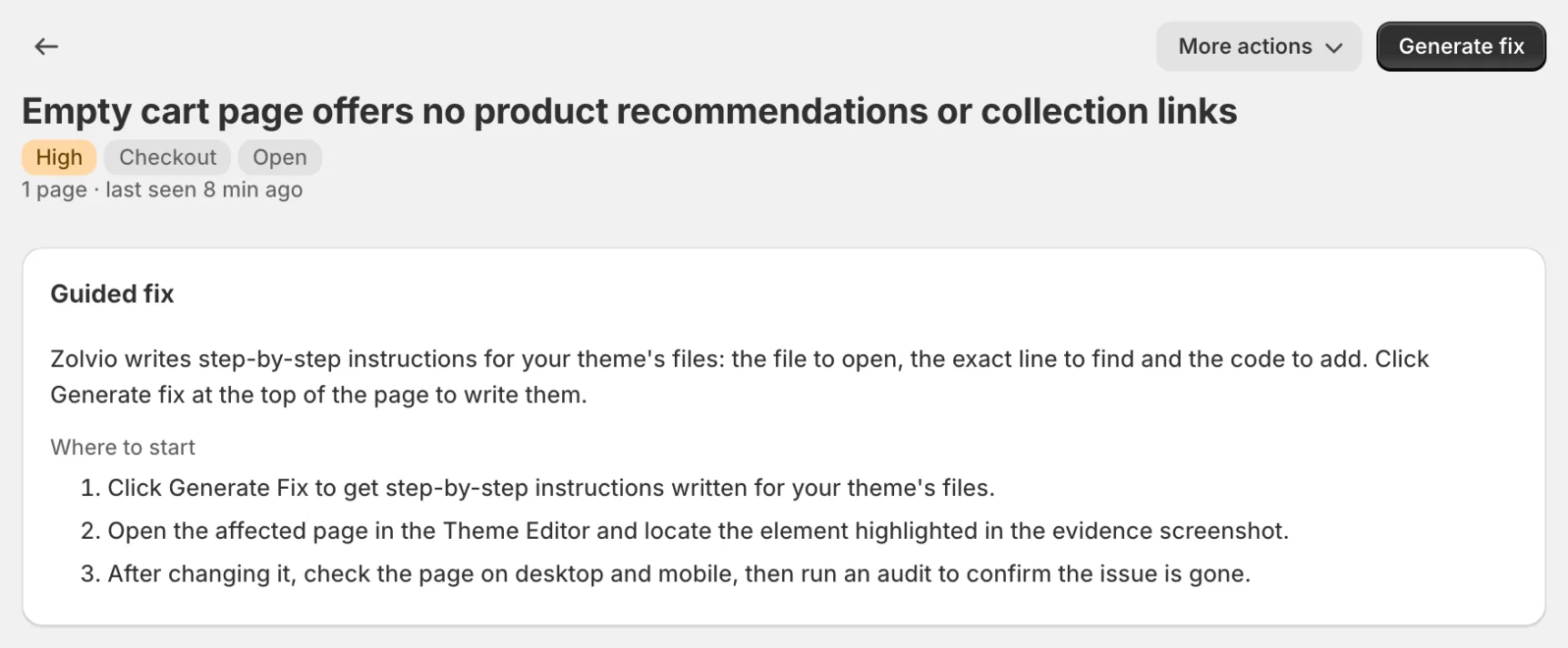
If the steps don’t match your theme
Don’t guess. Your theme may differ from the default structure. Use the evidence links (heatmaps/recordings) and adjust the location of the change, or share the fix steps with your developer.