Heatmaps: Screenshots
Heatmaps can be overlaid on a captured screenshot of your page to make interpretation easier.
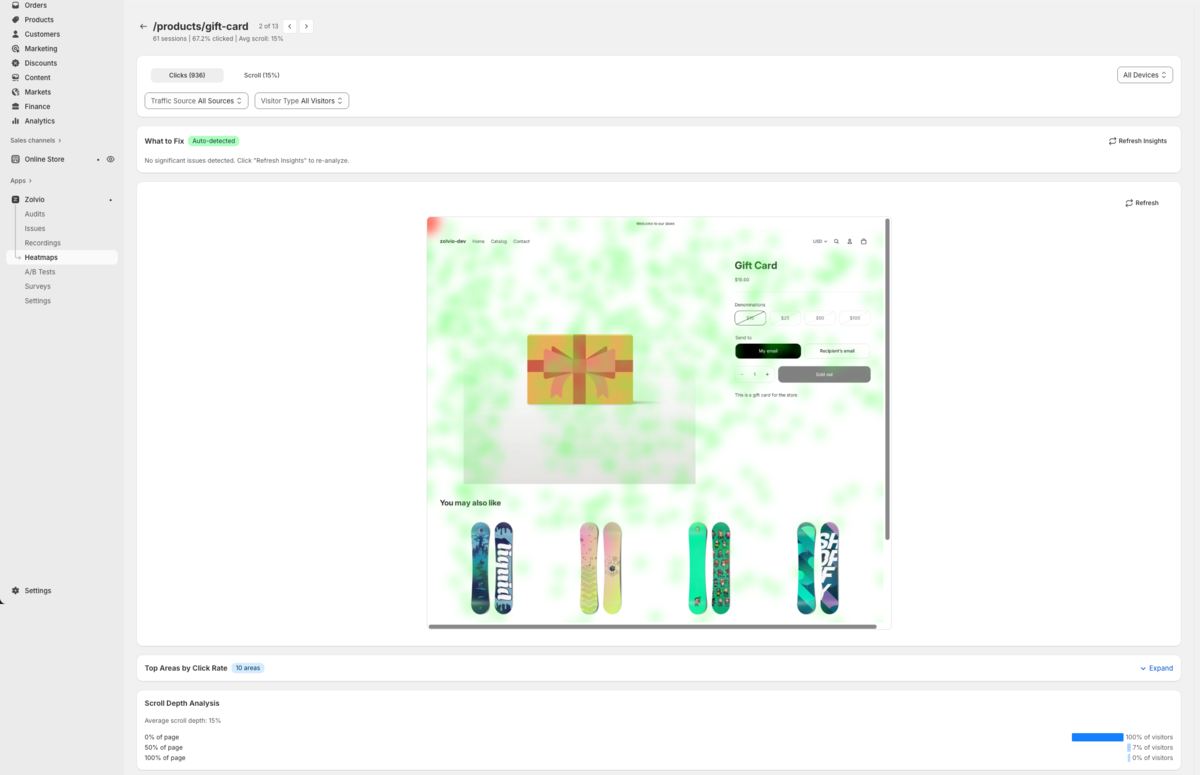
Screenshot placeholder
1200×720px •
/docs-images/heatmaps/heatmap-screenshot-overlay-1200x720.pngAdd a file at this path to replace the placeholder.
What a Screenshot Is (and Isn’t)
- A screenshot is a visual capture of your page used as a background for the heatmap
- It’s not a recording replay; it doesn’t include visitor-specific content
- Screenshots can become stale after theme changes
Refreshing a Screenshot
If the overlay doesn’t align (layout changed, new theme, dynamic content), refresh the screenshot from the heatmap view.
Tip
If your store is password-protected or blocks headless browsers, screenshot capture may fail. In that case, you can still view aggregated heatmap data without the overlay.