Heatmaps: Troubleshooting
Why a page may not show up, why it’s still “Collecting”, or why the overlay looks wrong.
A Page Isn’t Listed
- The page hasn’t received enough sessions/clicks yet
- Recording is disabled (or consent is denied) for most visitors
- The page URL varies (query parameters/canonicalization) and data is split across variants
Start by verifying recordings work: Session Recordings Troubleshooting.
It Says “Collecting”
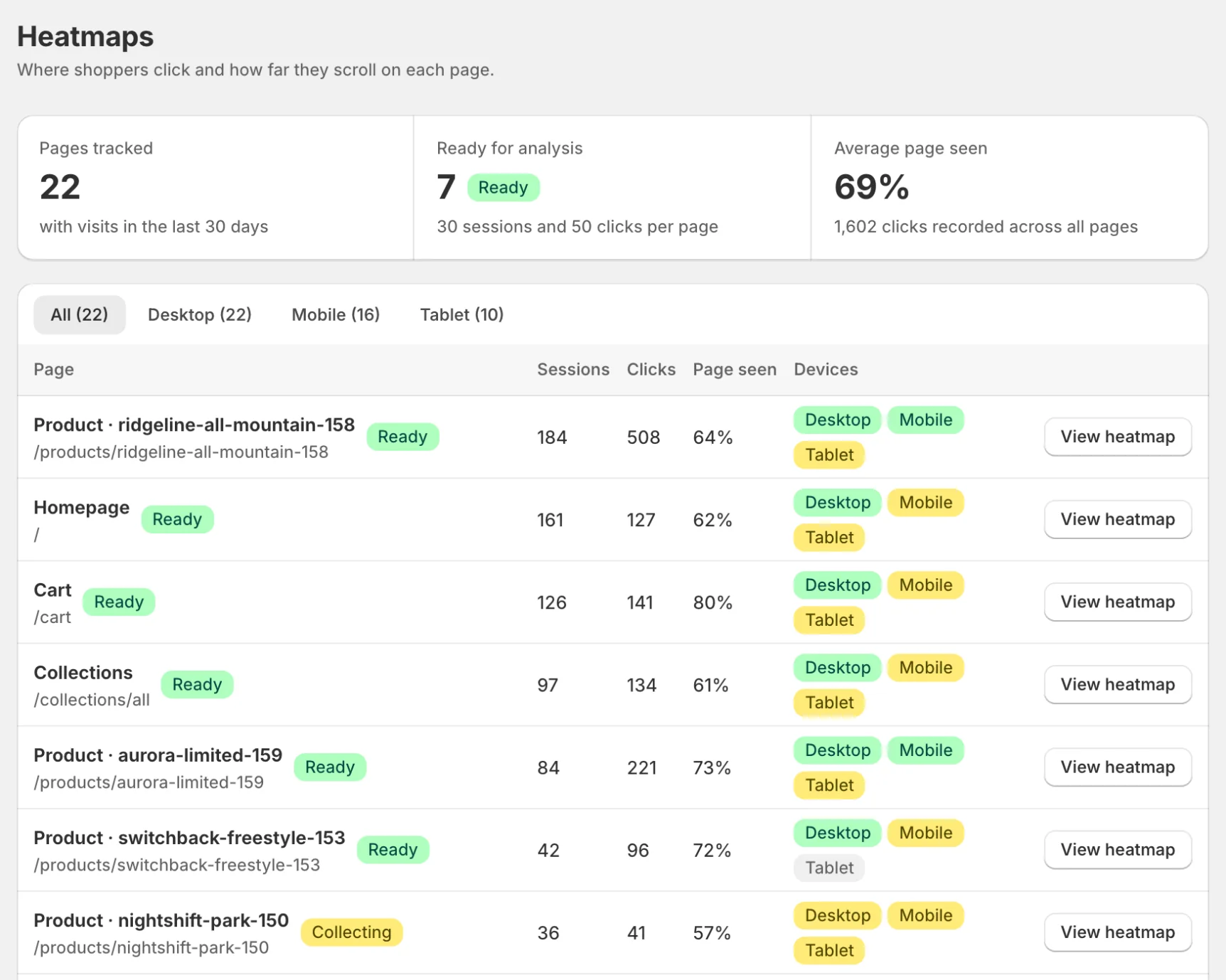
Heatmaps need 30 sessions and 50 clicks on a page before they are marked Ready; the heatmap view shows progress toward both. For recommended thresholds and interpretation guidance, see Data Quality.
The Overlay Doesn’t Align
- Theme updated after the screenshot was captured
- Responsive layout differences (wrong device selected)
- Dynamic content changes element positions
Refresh the screenshot and make sure you’re viewing the correct device.
If your store is password-protected
Save your storefront password under Settings → Storefront password so screenshot capture can sign in like a visitor, then refresh the screenshot. See Password-Protected Stores.