Session Recordings: Troubleshooting
Fix the most common reasons recordings don’t appear or look incomplete.
No Sessions Are Appearing
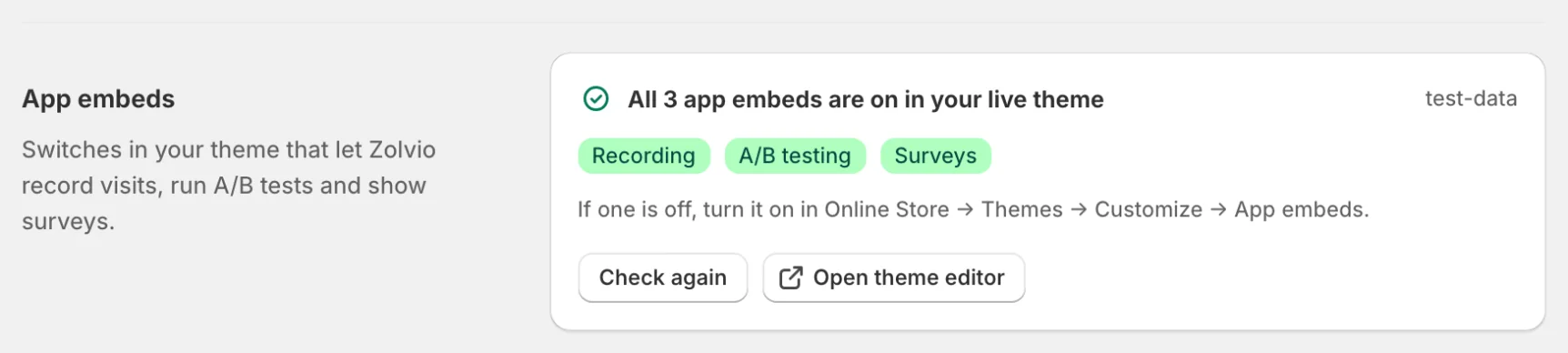
- Confirm the app embed is on and saved: Settings → App embeds shows a badge for Recording, A/B testing and Surveys, and one that’s off reads “Recording off”
- Check consent: if a shopper hasn’t allowed analytics, recording doesn’t start
- Check sampling: the Free plan records 1 in 10 visitors and Starter 1 in 2
- Try an incognito session and wait a few minutes, then refresh the Recordings list
If you are unsure whether sampling applies, see Sampling & Retention.
Recordings Look “Empty” or Too Short
- Some sessions end quickly (bounce), especially on landing pages
- Ad blockers or privacy extensions may block network requests
- Visitors can close the tab before data is flushed
Recordings Show *** Instead of Text
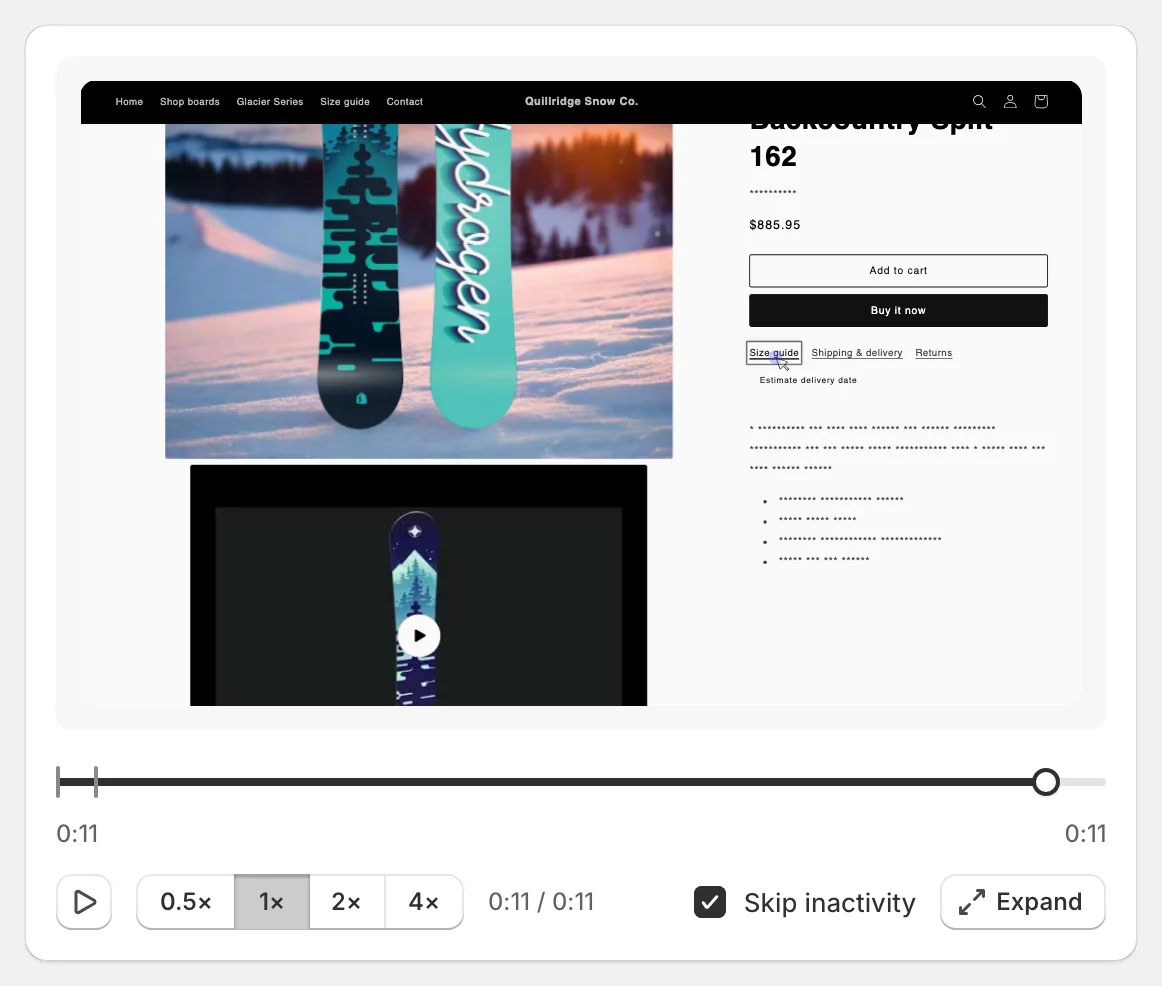
That’s by design. Everything shoppers type is hidden, and other page text shows as *** so personal details don’t end up in recordings. Product names, prices, headings, menus, buttons, breadcrumbs and size/colour options stay readable. If your theme uses its own markup for text that is safe to show, your developer can add the zolvio-unmask class to it. See Privacy & Consent.
If checkout/account pages are recorded
Recording should exclude sensitive pages. If you see checkout-like pages recorded, disable recording immediately and contact support to review your theme configuration.
Need Help?
If you’ve confirmed setup and consent and still can’t record sessions, contact support with:
- Your shop domain
- The time of a test session you performed
- Whether you used a custom domain