Session Recordings: Troubleshooting
Fix the most common reasons recordings don’t appear or look incomplete.
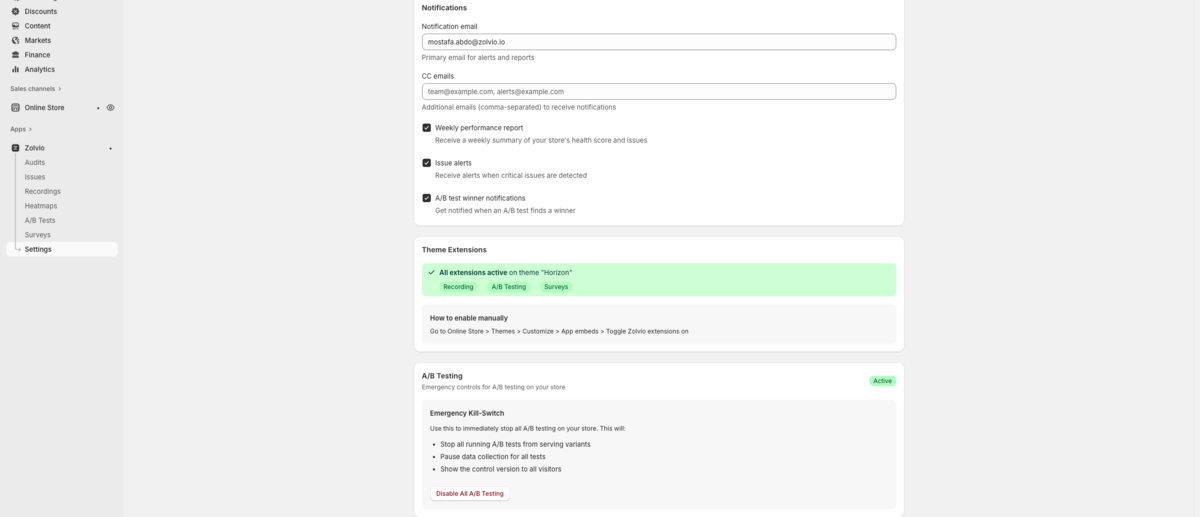
Screenshot placeholder
1200×520px •
/docs-images/recordings/extension-status-panel-1200x520.pngAdd a file at this path to replace the placeholder.
No Sessions Are Appearing
- Confirm the theme embed is enabled and saved
- Check consent: if analytics consent is denied, recording will not start
- Check sampling: some plans record a subset of visitors
- Try an incognito session and wait a few minutes, then refresh the Sessions list
If you are unsure whether sampling applies, see Sampling & Retention.
Recordings Look “Empty” or Too Short
- Some sessions end quickly (bounce), especially on landing pages
- Ad blockers or privacy extensions may block network requests
- Visitors can close the tab before data is flushed
Recordings Are Missing Text
Zolvio uses strict masking to reduce PII risk. In many stores, most text may appear masked unless it’s explicitly allowlisted as safe UI text. See Privacy & Consent.
If checkout/account pages are recorded
Recording should exclude sensitive pages. If you see checkout-like pages recorded, disable recording immediately and contact support to review your theme configuration.
Need Help?
If you’ve confirmed setup and consent and still can’t record sessions, contact support with:
- Your shop domain
- The time of a test session you performed
- Whether you used a custom domain