A/B Testing: QA & Troubleshooting
A checklist to ensure variants apply reliably and results are trustworthy.
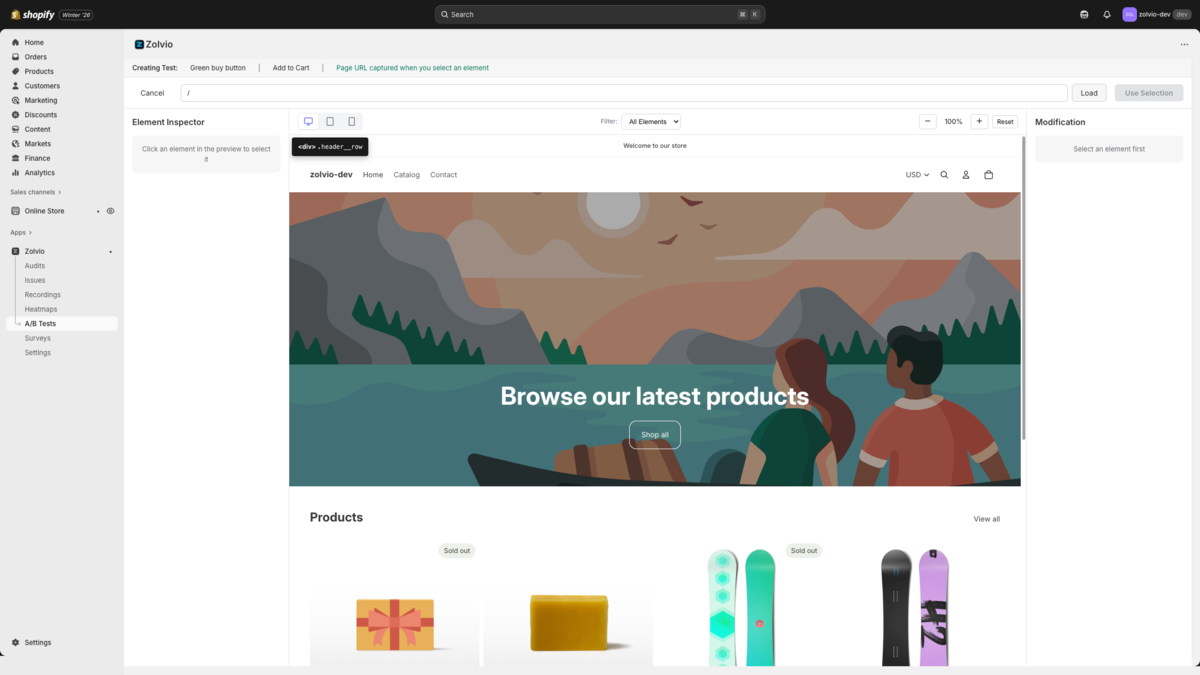
Screenshot placeholder
1200×720px •
/docs-images/ab-testing/visual-editor-preview-1200x720.pngAdd a file at this path to replace the placeholder.
QA Checklist (Before Launch)
- Preview the variant in theme preview mode
- Test desktop + mobile
- Verify the element selector is stable (not random class names)
- Confirm anti-flicker reveals the page within the configured timeout
- Verify conversions you care about are being tracked
Variants Aren’t Applying
- The element loads late (use retry/mutation handling)
- The selector is too specific (theme changes break it)
- The element exists only on some templates/variants
Visitors See a Flash
See Anti-Flicker for timeout tradeoffs and mitigation strategies.
If you suspect the wrong pages are modified
Pause the test immediately. Run a targeted QA session to confirm the URL matching rules and scope settings.