A/B Testing: QA & Troubleshooting
A checklist to ensure variants apply reliably and results are trustworthy.
QA Checklist (Before Launch)
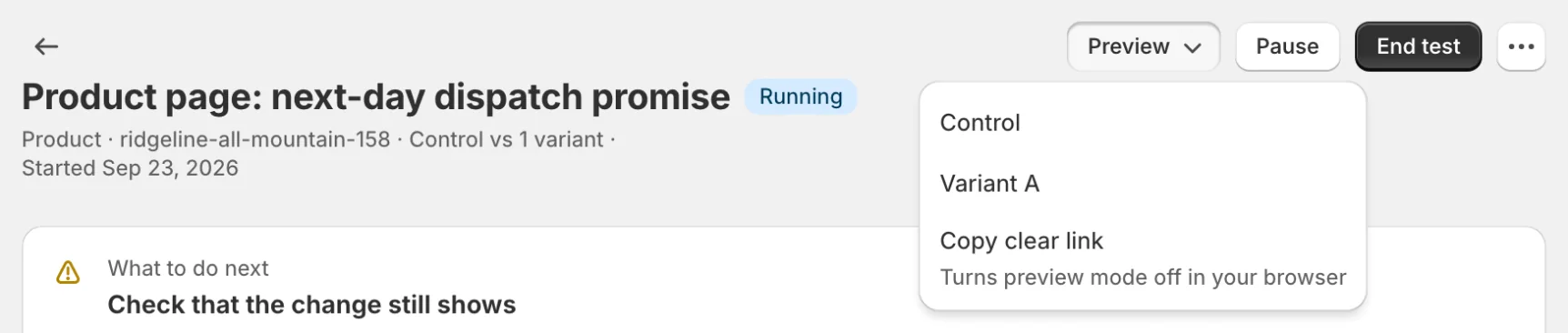
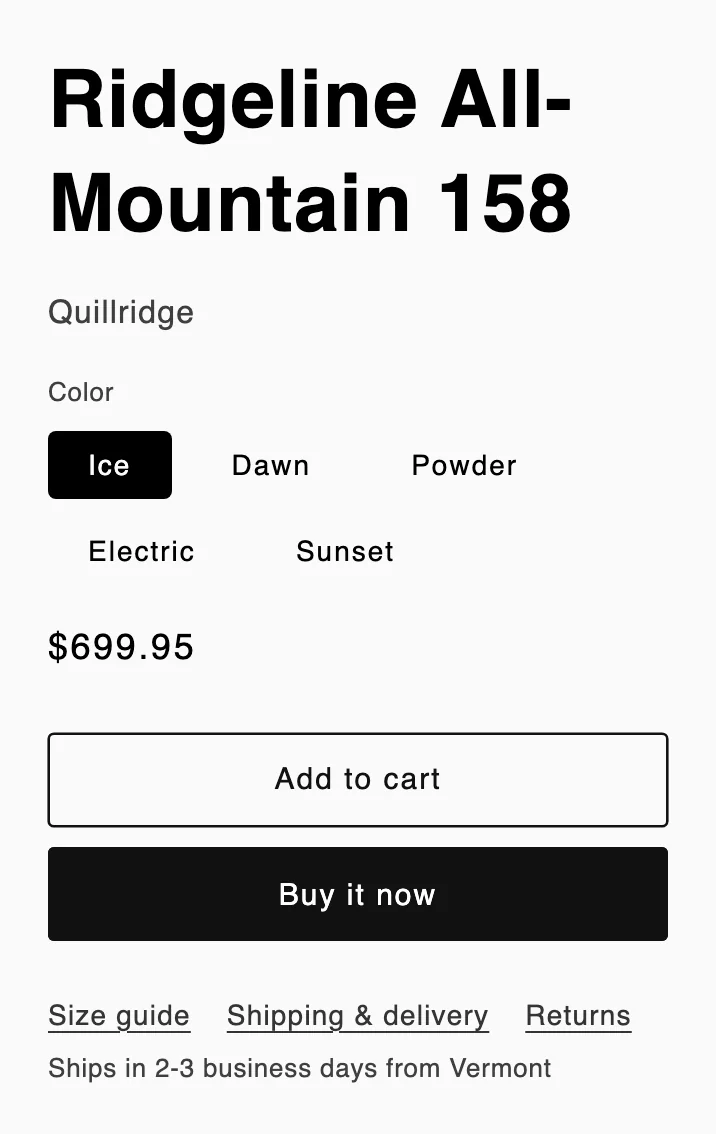
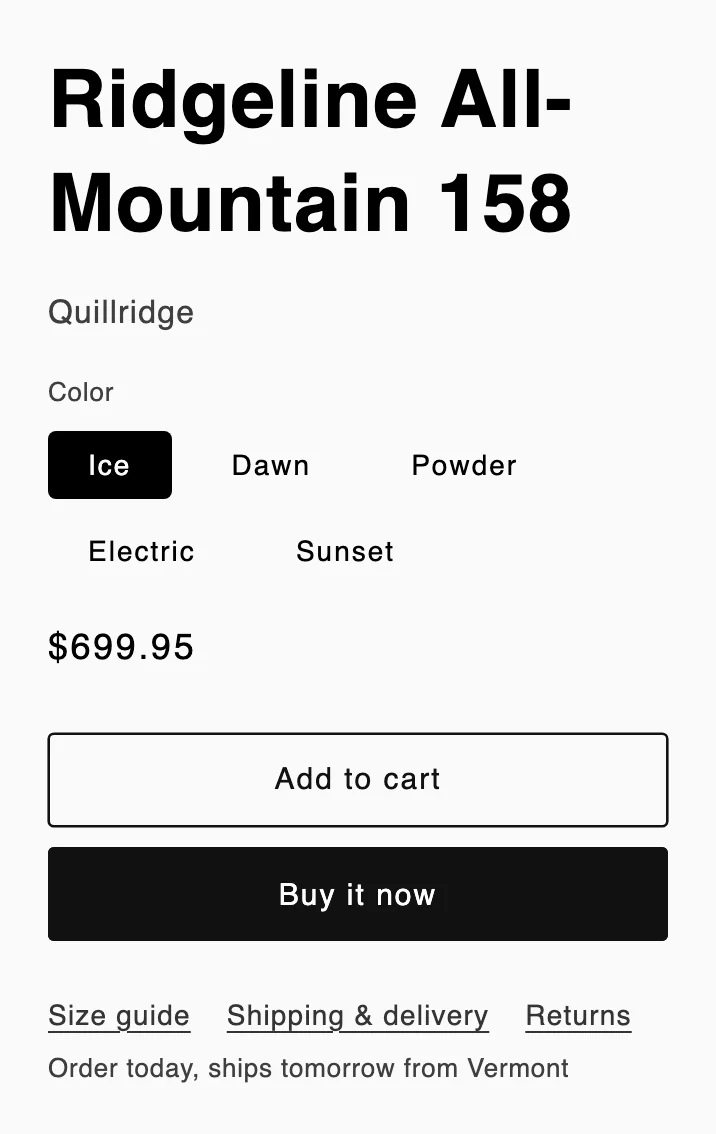
- Preview the variant live in the visual editor before you launch, and use Preview ▾ on the test page to open each variant on your storefront (preview visits aren’t counted)
- Test desktop + mobile
- Prefer the visual editor—it picks a stable selector for you. If you type selectors by hand, avoid random/hashed class names.
- Confirm the tested elements appear promptly (anti-flicker always reveals them within 2 seconds)
- Verify conversions you care about are being tracked
Variants Aren’t Applying
Zolvio tracks a delivery-health signal (were the selectors found, and did the change apply?) and holds back a decision-ready winner if a variant isn’t applying reliably. Common causes:
- The element loads late (Zolvio watches for it, but very late content can still miss)
- The selector is too specific (theme changes break it)—re-pick it in the visual editor
- The element exists only on some templates/variants
Visitors See a Flash
See Anti-Flicker for timeout tradeoffs and mitigation strategies.
If you suspect the wrong pages are modified
Pause the test immediately. Run a targeted QA session to confirm the URL matching rules and scope settings.