A/B Testing: Anti-Flicker
Reduce “flash of original content” while a variant applies.
What Anti-Flicker Does
- Temporarily hides only the elements under test, not the whole page
- Reveals them as soon as the variant is applied
- Always reveals them after 2 seconds at most, even if the variant hasn’t applied, so nothing stays hidden
Tradeoffs
- On a very slow connection, a visitor may briefly see an empty spot where the tested element will appear
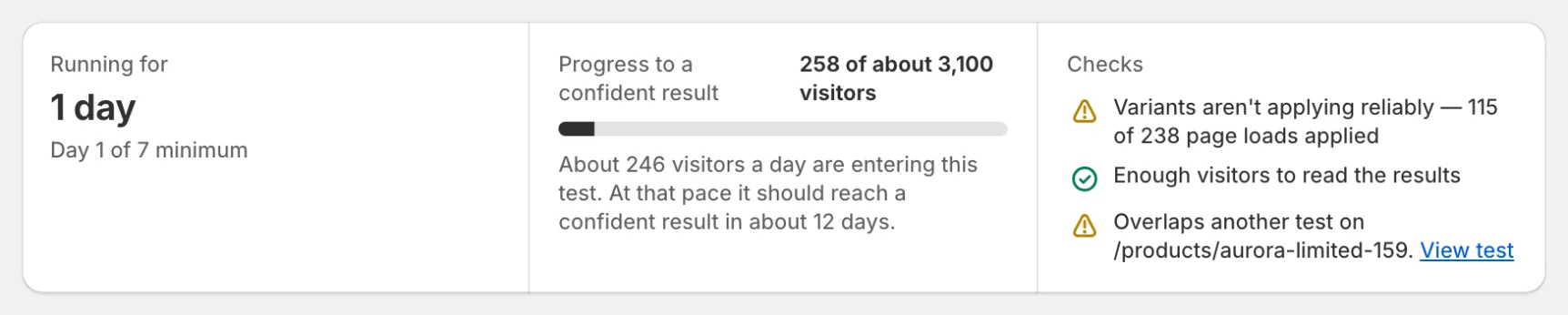
- If a variant can’t find its element before the fail-safe, the visitor sees the original content
If your page becomes invisible
Anti-flicker must always reveal. If you see a page stuck hidden, stop the test and review the QA checklist.