A/B: Heatmaps & Recordings
Go beyond “Variant B has +X% lift.” Use heatmaps and recordings by variant to explain why a variant won — and what to ship next.
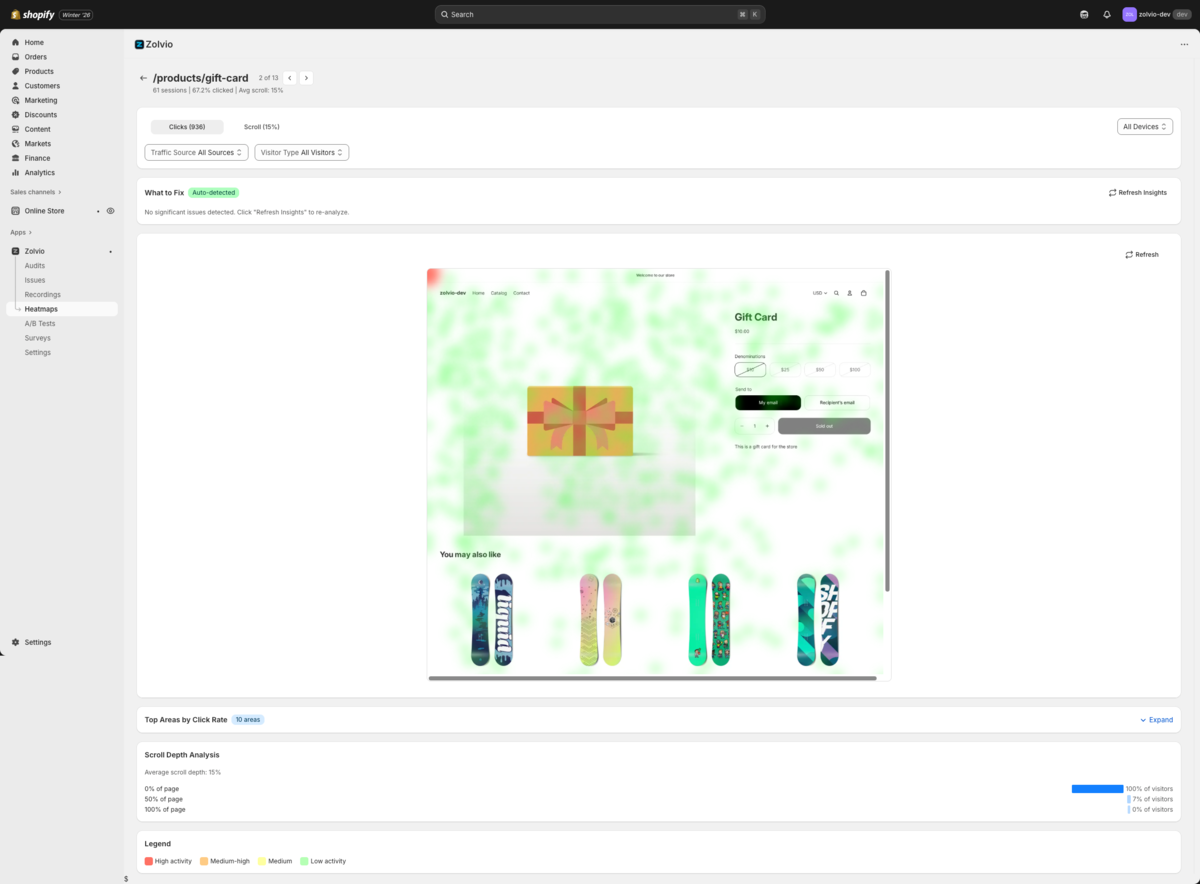
Screenshot placeholder
1200×650px •
/docs-images/ab-testing/variant-heatmaps-1200x650.pngAdd a file at this path to replace the placeholder.
Trust checks first
Before you believe the result, check:
- SRM (Sample Ratio Mismatch): traffic split matches what you configured.
- Delivery health: variants are actually applying on the page (selectors found, apply success rate).
- Dedupe: visitors aren’t double-counted on refreshes or thank-you reloads.
Why delivery health matters
A test can “look good” if the variant fails to apply for a large fraction of visitors. Always check delivery health before shipping the winner.
Explain a win with heatmaps
- Open the tested page’s heatmap.
- Enable Compare variants and select Control vs Variant.
- Use the difference overlay to see where clicks increased or decreased.
- Check scroll depth differences (did Variant push key content above the fold?).
Prove the “why” with recordings
Heatmaps show aggregate behavior. Recordings show the story: hesitation, rage clicks, navigation loops, and whether people noticed the change.
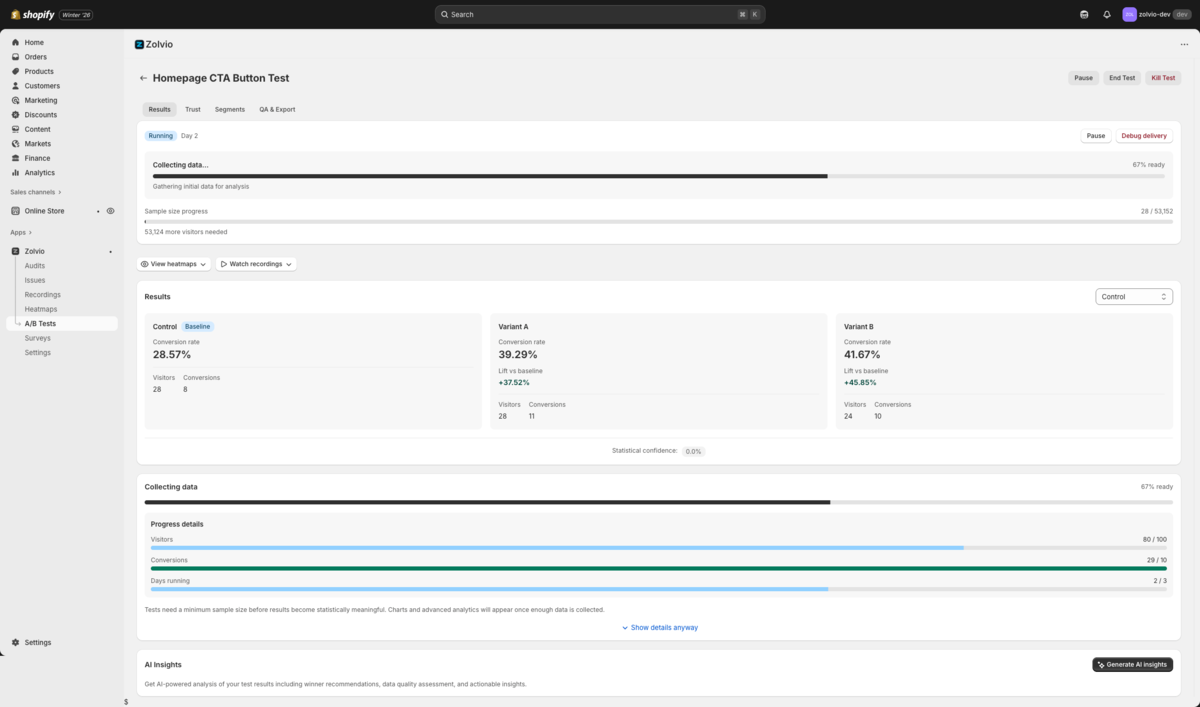
Screenshot placeholder
1200×650px •
/docs-images/ab-testing/watch-examples-1200x650.pngAdd a file at this path to replace the placeholder.
- From a heatmap hotspot/dead zone, click Watch examples.
- Filter sessions by test and variant.
- Watch 5–10 sessions per variant to confirm the mechanism of change.
What to do next (decision checklist)
- If the variant wins and trust checks are clean: ship it (or run a follow-up test).
- If the variant loses: inspect recordings for confusion, broken selectors, or mobile regression.
- If there’s no winner: adjust hypothesis, increase traffic, or pick a larger-change variant.
Related: Heatmap segmentation and reviewing sessions.